Make it yours.
Choose when your week starts. Add pay details if they’re useful. Calendar is optional.
 MyDrop Tracker
Made for delivery drivers
The miles. The drops. The days that feel different. Get a clearer picture of your working week.
Get to know MyDropComing soon to iPhone · No account needed From a real day on the road.
Your routes.In your own words.
Your patterns.Made clearer.
Your week.Brought together.
The day is done. Make it count.
A delivery driver logbook that grows with you. Start with one route. Build a useful picture of your days, weeks and shift patterns.
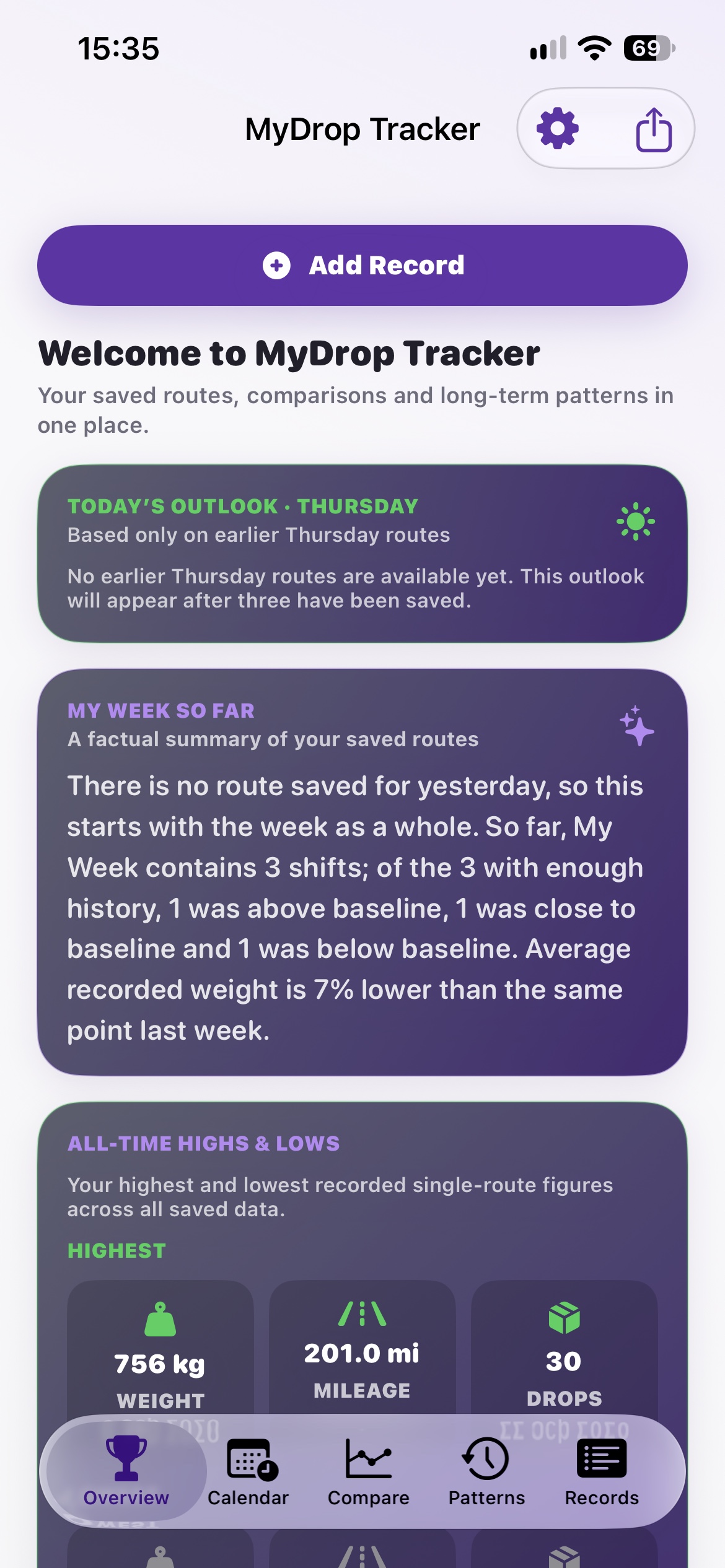
Overview · Real app screenshot
Figures shown illustrate individual records, not expected results.
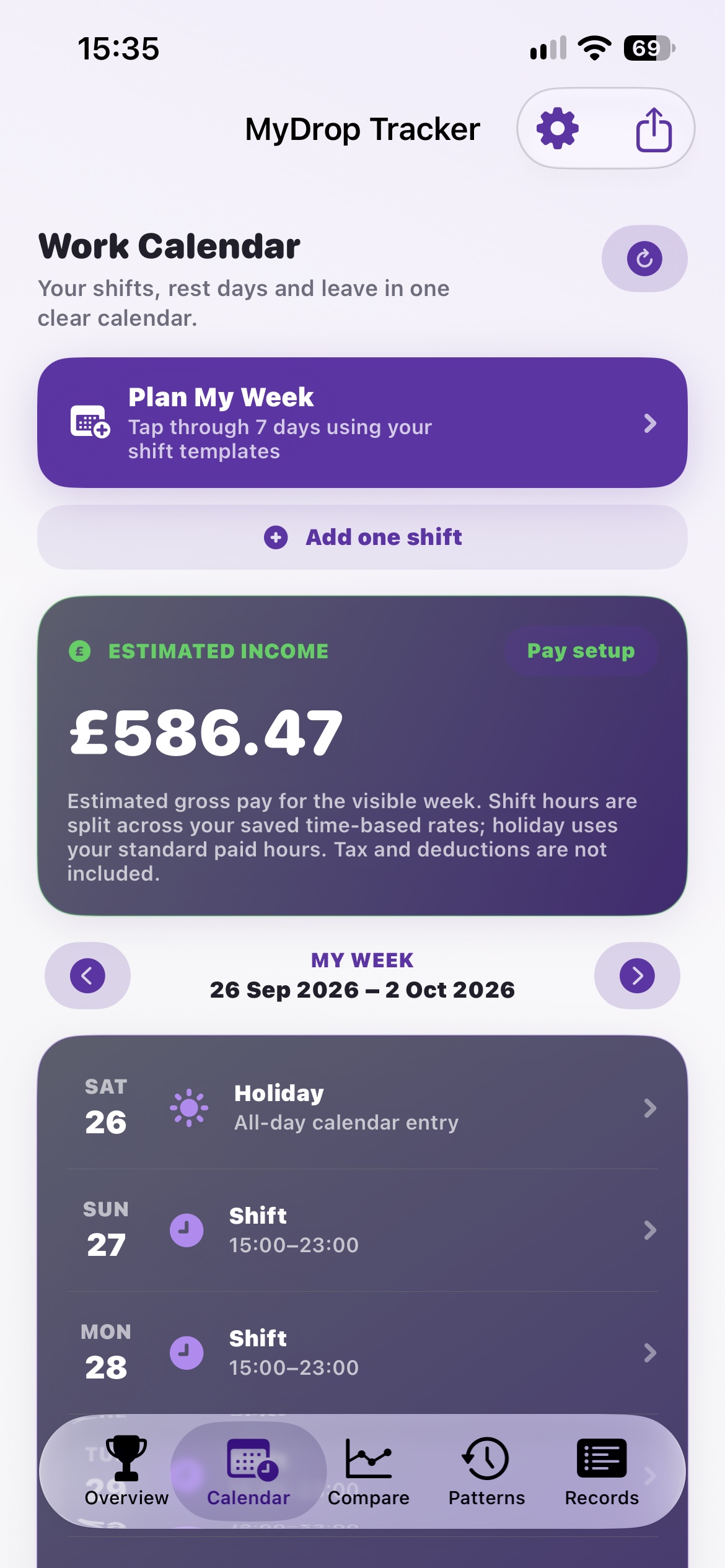
Calendar · Real app screenshot
Figures shown illustrate individual records, not expected results.
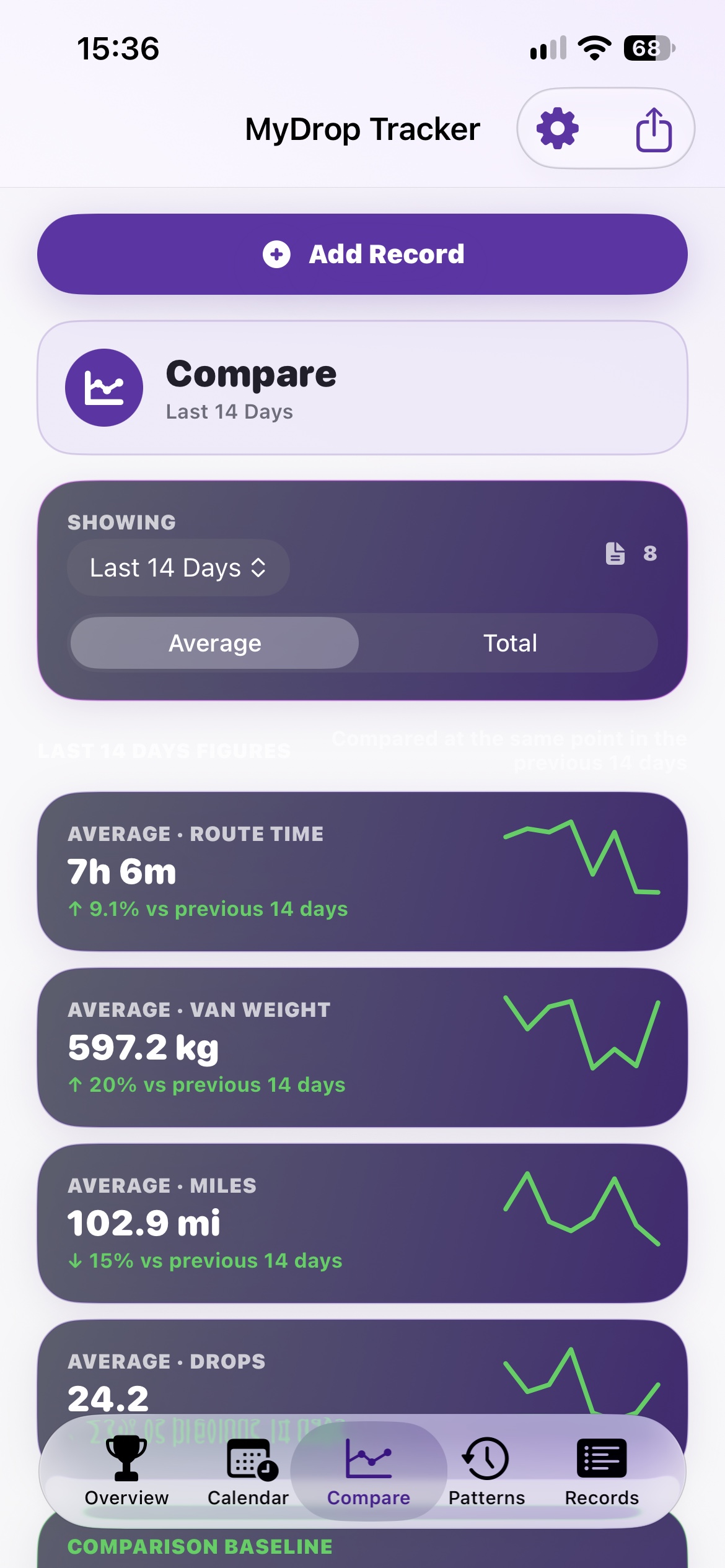
Compare · Real app screenshot
Figures shown illustrate individual records, not expected results.
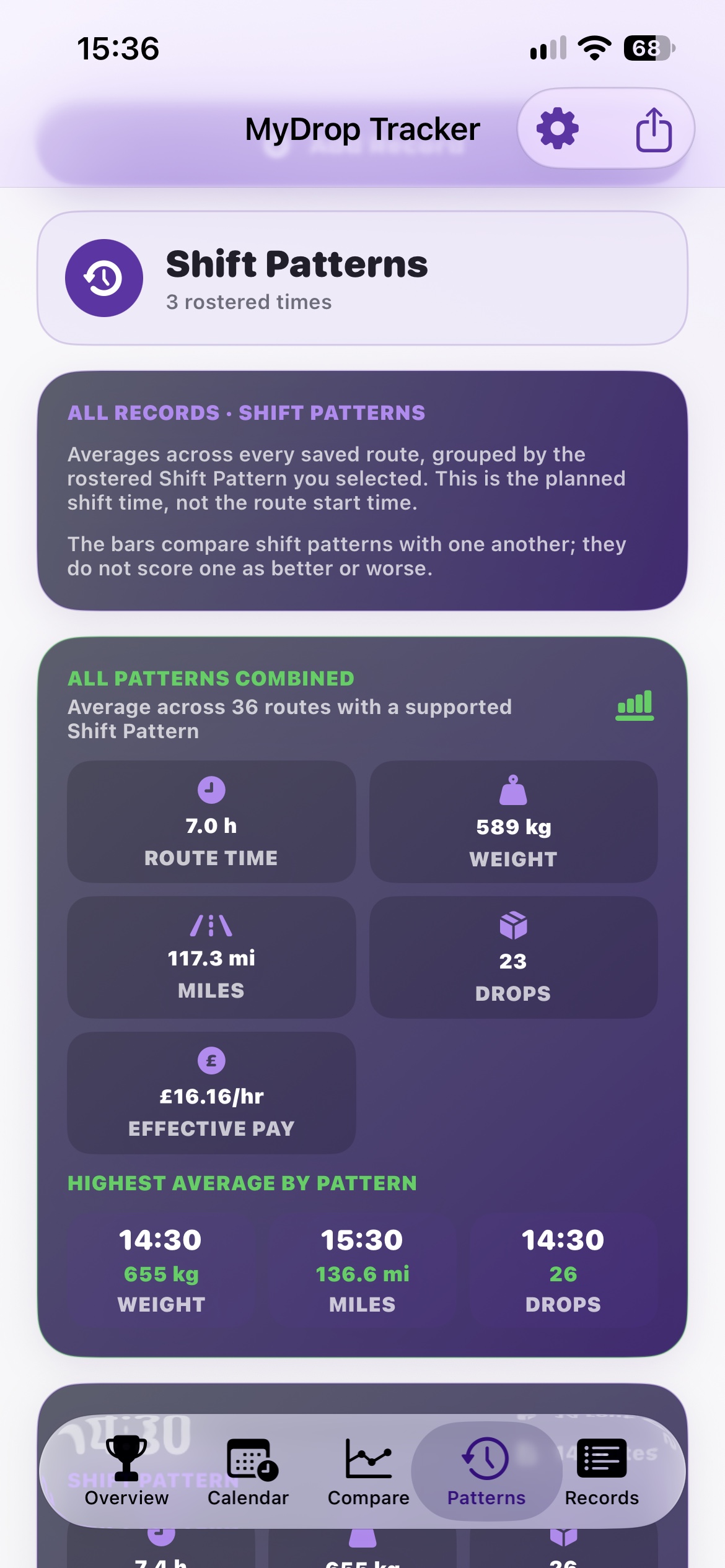
Patterns · Real app screenshot
Figures shown illustrate individual records, not expected results.
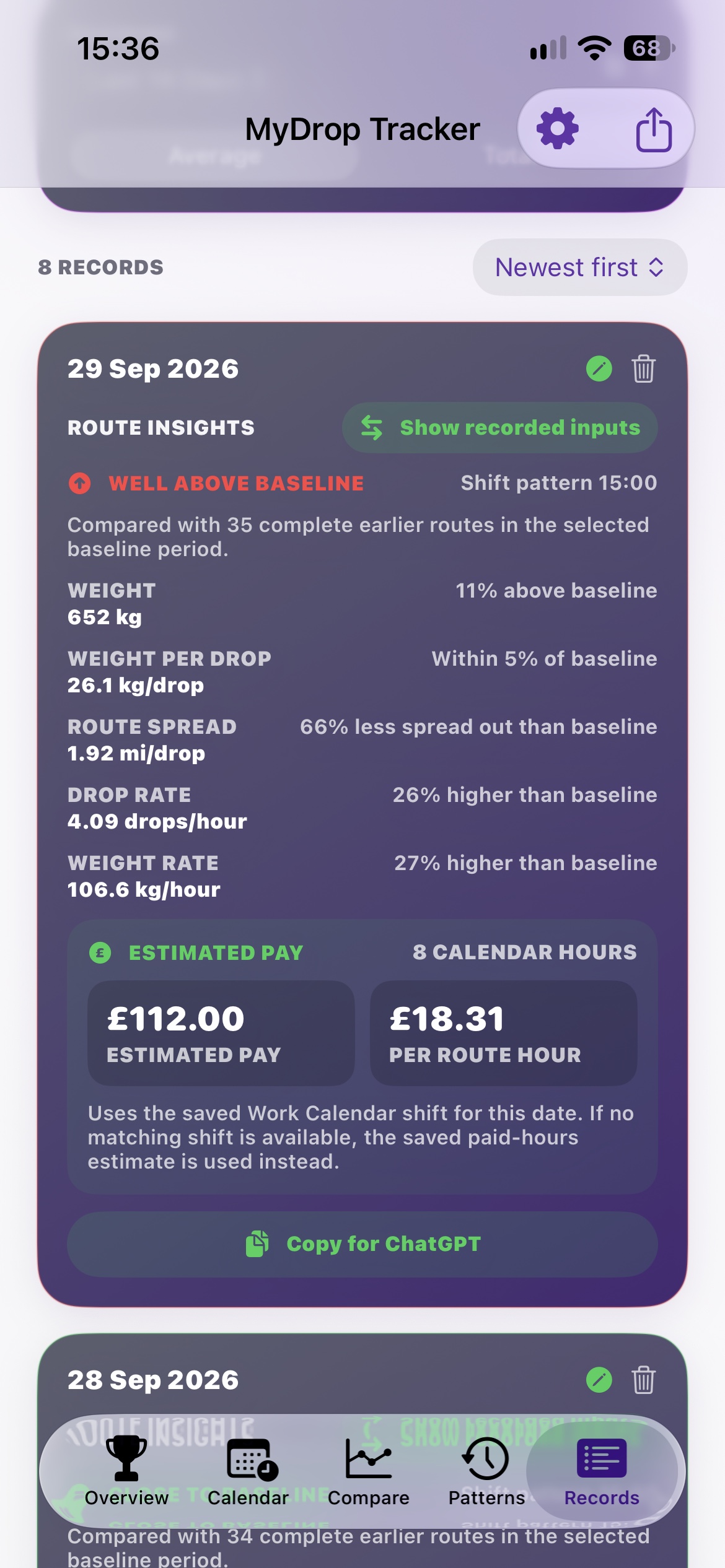
Records · Real app screenshot
Figures shown illustrate individual records, not expected results.
Go beyond the headline numbers
Walk through all seven screenshots, from the details you enter to the results MyDrop shows.

You know the road.
Some days are longer. Some loads are heavier.
Your own history helps put it all in perspective.
Simple from the first route
Choose when your week starts. Add pay details if they’re useful. Calendar is optional.
When you’re safely parked, add the route’s drops, miles, weight and time. Leave yourself a note.
Keep adding routes. Earlier records turn into comparisons, averages and a clearer view of your week.
 Real routes. Real life.
Built from the driver’s seat
MyDrop started with a simple idea: a driver should have an easy way to look back at their own working day.
Created by Darren Turner, it brings route records, useful comparisons and shift planning into one personal app. The photographs here come from Darren’s own days on the road.
Darren Turner Creator of MyDrop Tracker
Your history matters
Automatic backups help with recovery on your iPhone. Saving a separate copy helps protect your records if your phone is lost or the app is deleted.
A few things to know
MyDrop is your personal route record and shift planner. It doesn’t navigate to addresses, optimise delivery stops or replace your employer’s systems.
No account is needed for the iPhone app. Recording routes works without Calendar access. You can connect Apple Calendar if you want to use the calendar features.
No. MyDrop focuses on delivery records and your working week. The public app does not request access to Health data.
No. They’re optional gross estimates based on your settings and recorded or planned hours. They exclude tax and deductions and are not a payslip.
MyDrop Tracker is preparing for its iPhone launch. The App Store link will appear here when it’s available.
Your next chapter on the road